Friday, 5 June 2015

How to Root Almost Any Galaxy S6 or S6 Edge Without Tripping KNOX

Both the Galaxy S6 and S6 Edge have had root methods available to thembefore the phones were even released, but the problem with these existing root methods is that they would trip the KNOX counter on your device.

Why Tripping KNOX Is Bad for Your Phone

To give you a bit of background, KNOX is a security platform for Samsung devices which ensures that no modifications have been made to the system partition, and thus, no potential security vulnerabilities have been created by the user.
In general, as soon as any system-level changes (such as enabling root access) are detected by KNOX, a hardware fuse is tripped. This fuse cannot be reset, so once it's been tripped, there's no turning back. This is why a tripped KNOX counter means your warranty is void, since there's no way of covering up the fact that you've modified your software.
It also likely means that you won't be able to use Samsung Pay whenever that comes out, since the mobile payment service will probably call on KNOX to make sure that the initial security methods implemented by Samsung are still in place. So basically, you don't want to trip KNOX if you can avoid it.

How to Root Your S6 Without Tripping KNOX

Thanks to a new root utility called PingPong Root from developer idler1984, almost all variants of the Samsung Galaxy S6 and S6 Edge can now be rooted without tripping the KNOX counter. And yes, that even includes the AT&T and Verizon Wireless models, whose locked bootloaders have prevented other root methods from working.

Step 1: Make Sure Your Firmware Version Is Supported

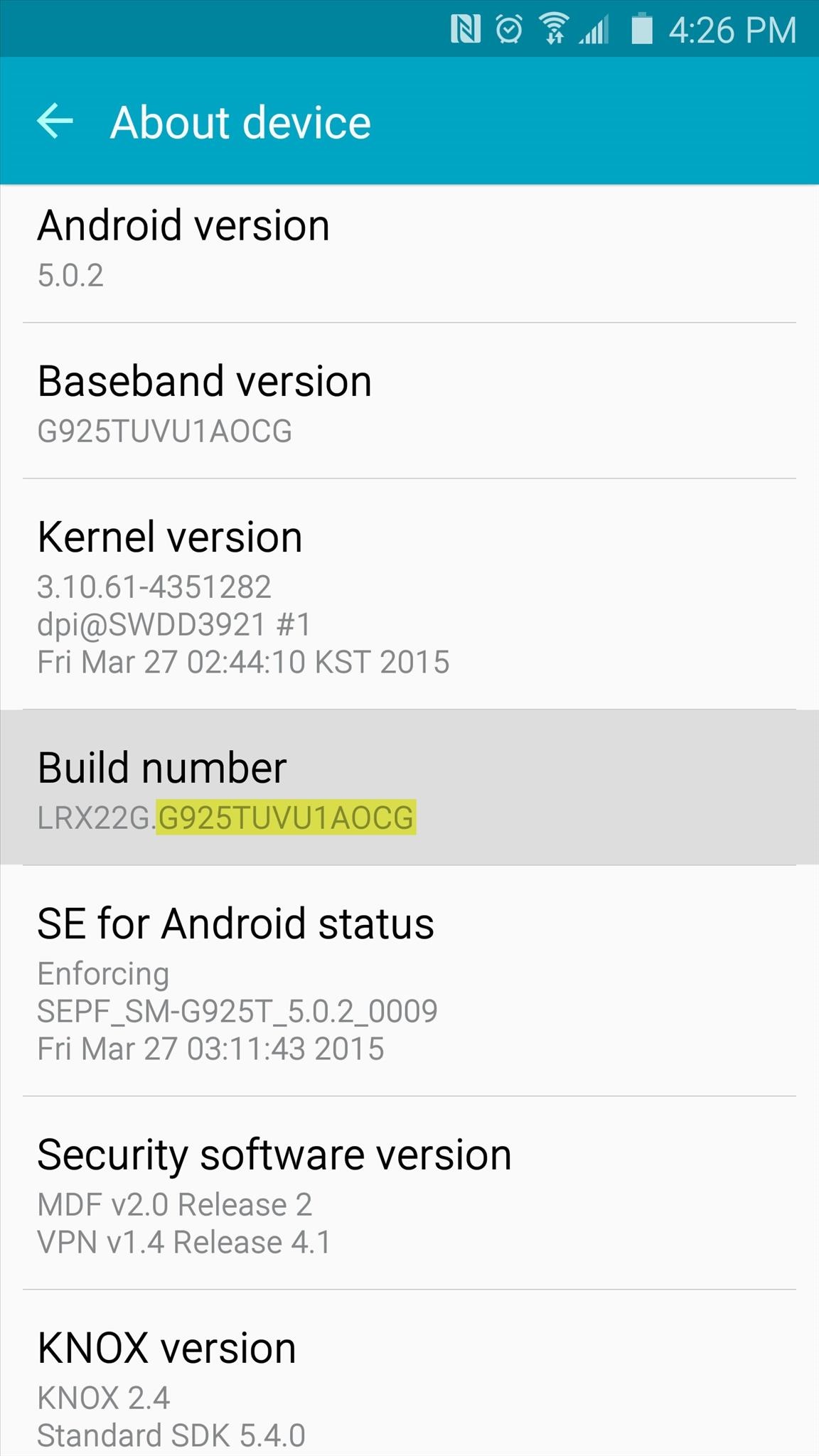
PingPong Root is compatible with most variants of the Galaxy S6 and S6 Edge, but only certain firmware versions are supported. To ensure that your firmware is capable of being rooted with this method, head to your phone's main Settings menu, then select "About device."
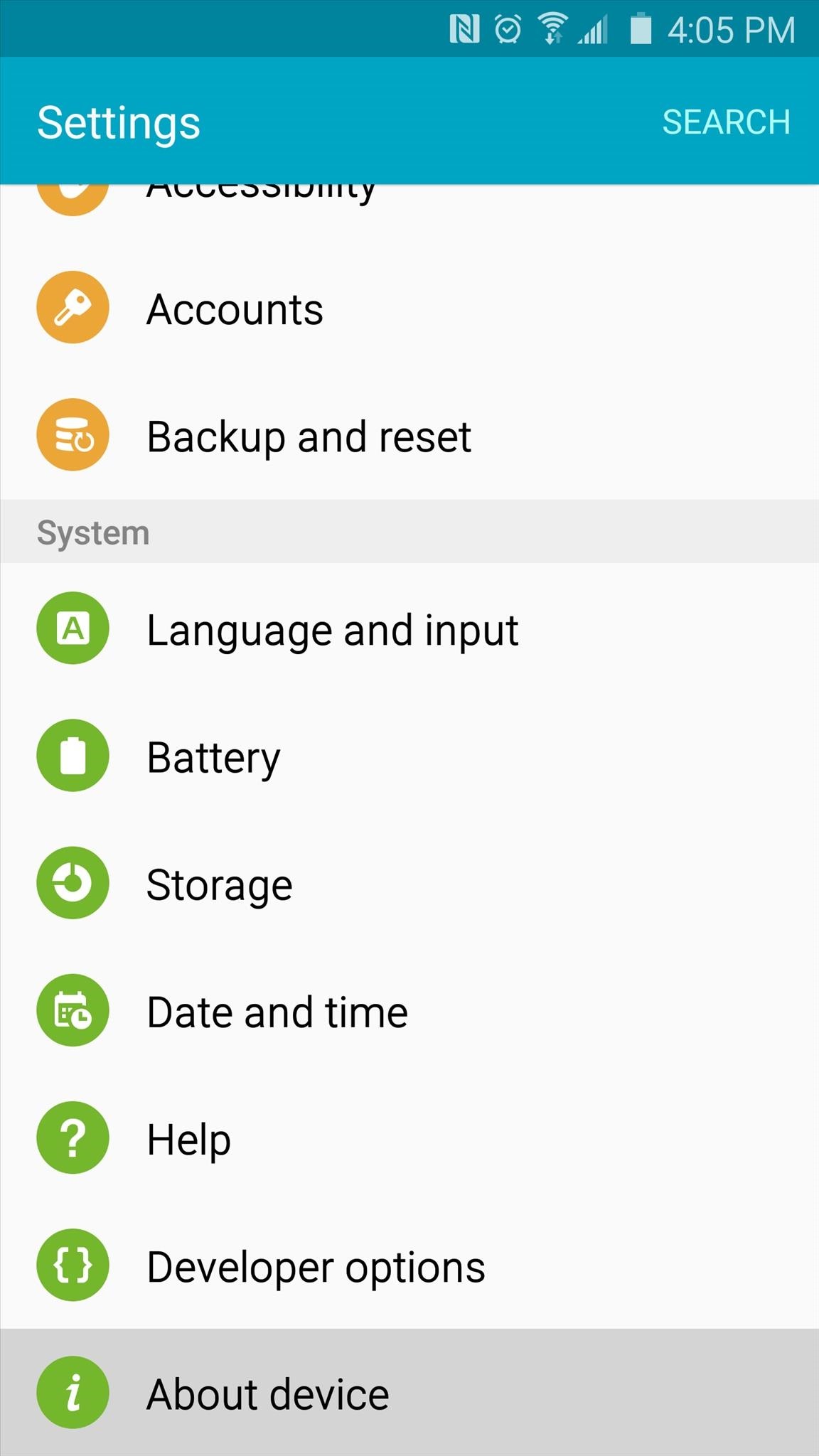
From here, you're looking for the series of letters and numbers that are listed under the "Build number" entry. More specifically, take note of the characters that follow the first period in this entry. As you can see in the above screenshot, my build number is G925TUVU1AOCG.
Now that you know your build number, look through the following list of supported firmwares to see if your phone is capable of using PingPong Root. If your build number is listed under the "download data" sections, your device is still supported, but an extra step will be needed later.
Samsung Galaxy S6
  • G9200ZCU1AOD5
  • G9200ZHU1AOD3
  • G9200ZHU1AOD9
  • G920R4TYU1AOD3
  • G920IDVU1AOD1
  • G920FXXU1AOCV
  • G920PVPU1AOCF
  • G920TUVU1AOCG
  • G920VVRU1AOC3
  • G920FXXU1AOBN
  • G920FXXU1AODG
  • G9209KEU1AOCI
  • G9209KEU1AODA
  • G9208ZMU1AOD5
  • G9208ZMU1AOCI
  • G920FXXU1AOD9
  • G920AUCU1AOCE
  • G920FXXU1AODE
  • G9200ZCU1AOD9
  • G920W8VLU1AOCG
  • G920FXXU1AOD4
  • G920R4TYU1AOCB
Builds listed below require you to download data (more on this later)
  • G920FXXU1AOCY
  • G920IDVU1AOC4
  • G920FXXU1AODI
  • G9209KEU1AOD5
  • G920IDVU1AOBQ
  • G9208ZTU1AOD9
  • G920FXXU1AOE3
Samsung Galaxy S6 Edge
  • G9250ZCU1AODC
  • G925VVRU1AOC3
  • G925FXXU1AOD9
  • G925PVPU1AOCF
  • G925FXXU1AOCV
  • G925AUCU1AOCE
  • G925TUVU1AOCG
  • G925W8VLU1AOCG
  • G925IDVU1AOD1
  • G925SKSU1AOD5
Builds listed below require you to download data (more on this later)
  • G925FXXU1AOD4
  • G925R4TYU1AOD3
  • G925FXXU1AODG
  • G925FXXU1AOCZ
  • G925IDVU1AOD3
  • G925LKLU1AOD8
  • G925SKSU1AOD8
  • G925FXXU1AOE3
  • G925PVPU1AOE2
  • G925FXXU1AOD8
  • G9250ZTU1AODC
  • G9208ZTU1AOCI
If you do not see your build number listed, refer to the developer's thread, as new builds are being added to the support list.

Step 2: Install PingPongRoot & SuperSU

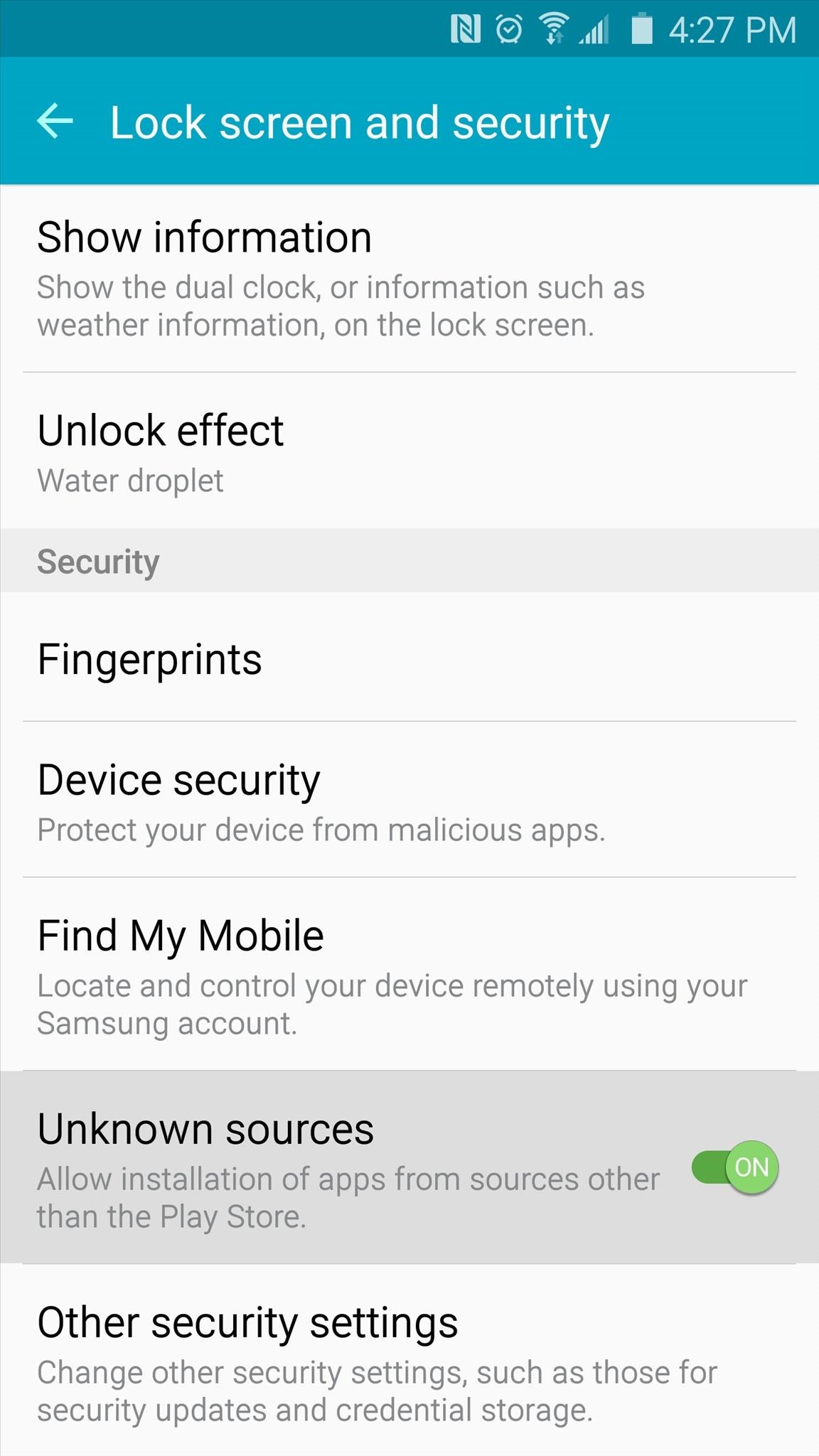
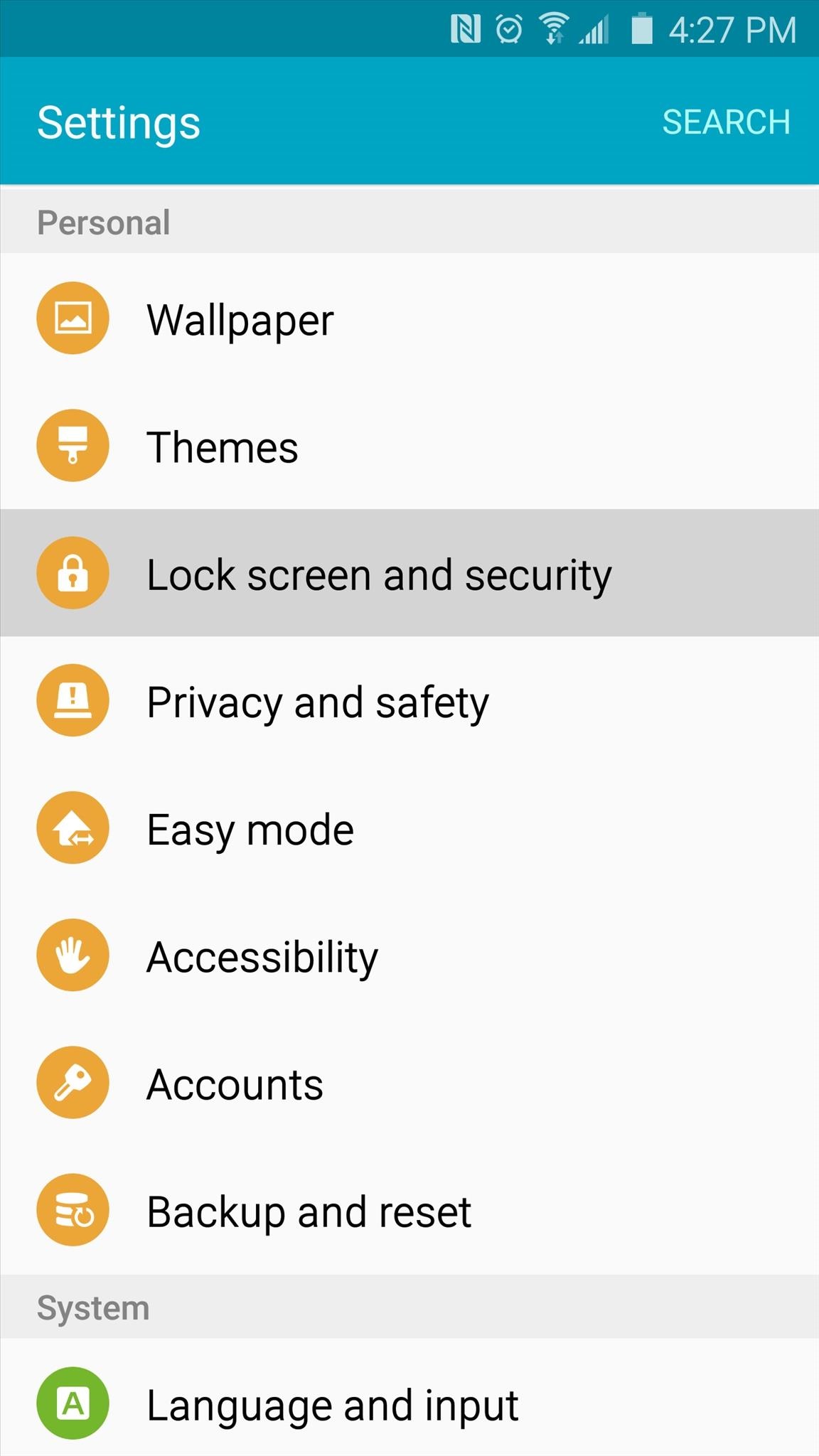
If your build number is listed above, you're ready to go. First up, you'll need to make sure your Galaxy S6 or S6 Edge is set up for sideloading apps. To do that, head to Settings, then "Lock screen and security," and make sure that the "Unknown sources" option is enabled.
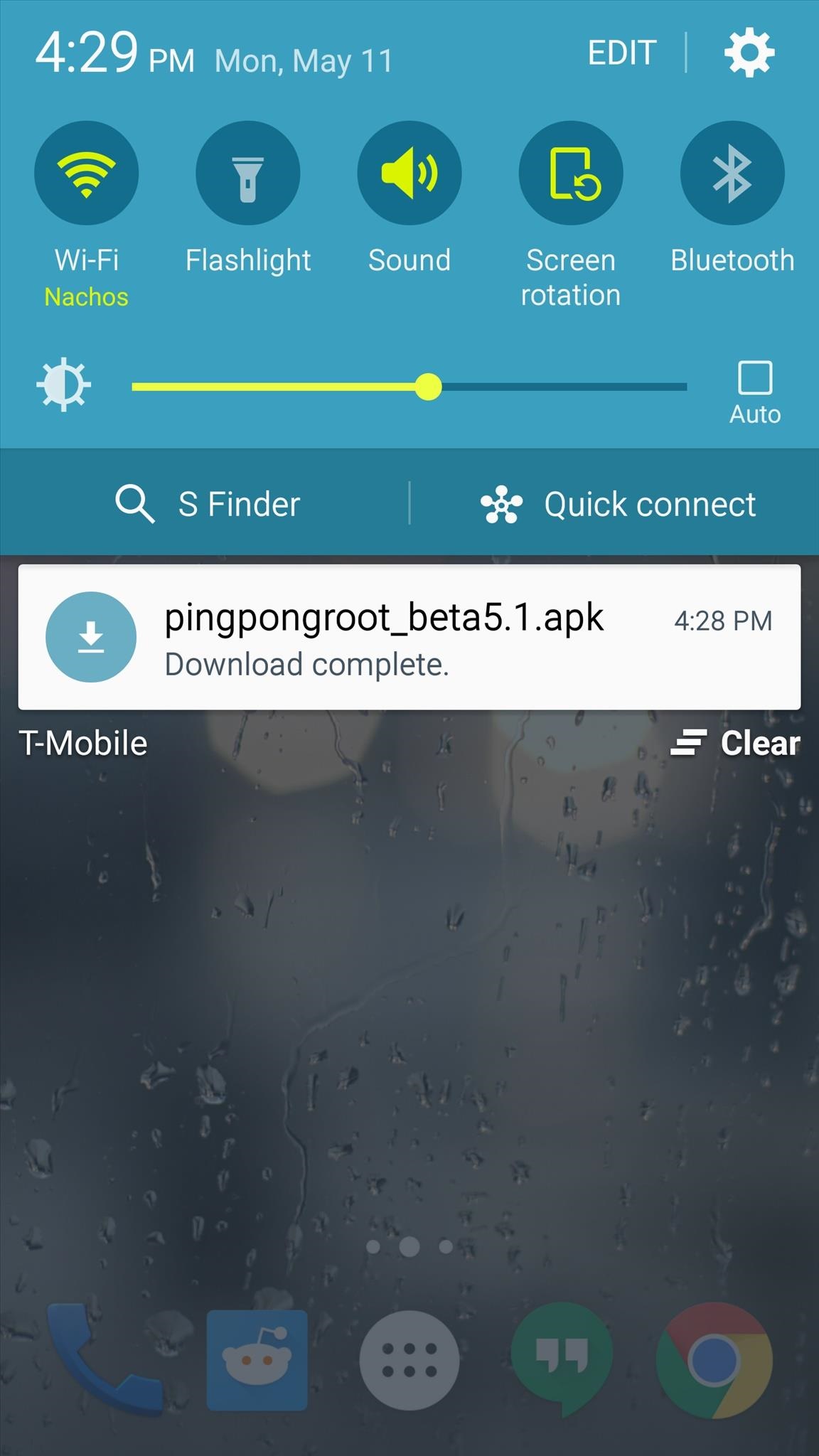
At this point, you're ready to install PingPong Root. Point your Galaxy S6's web browser to this link to download a copy of the APK installer file.
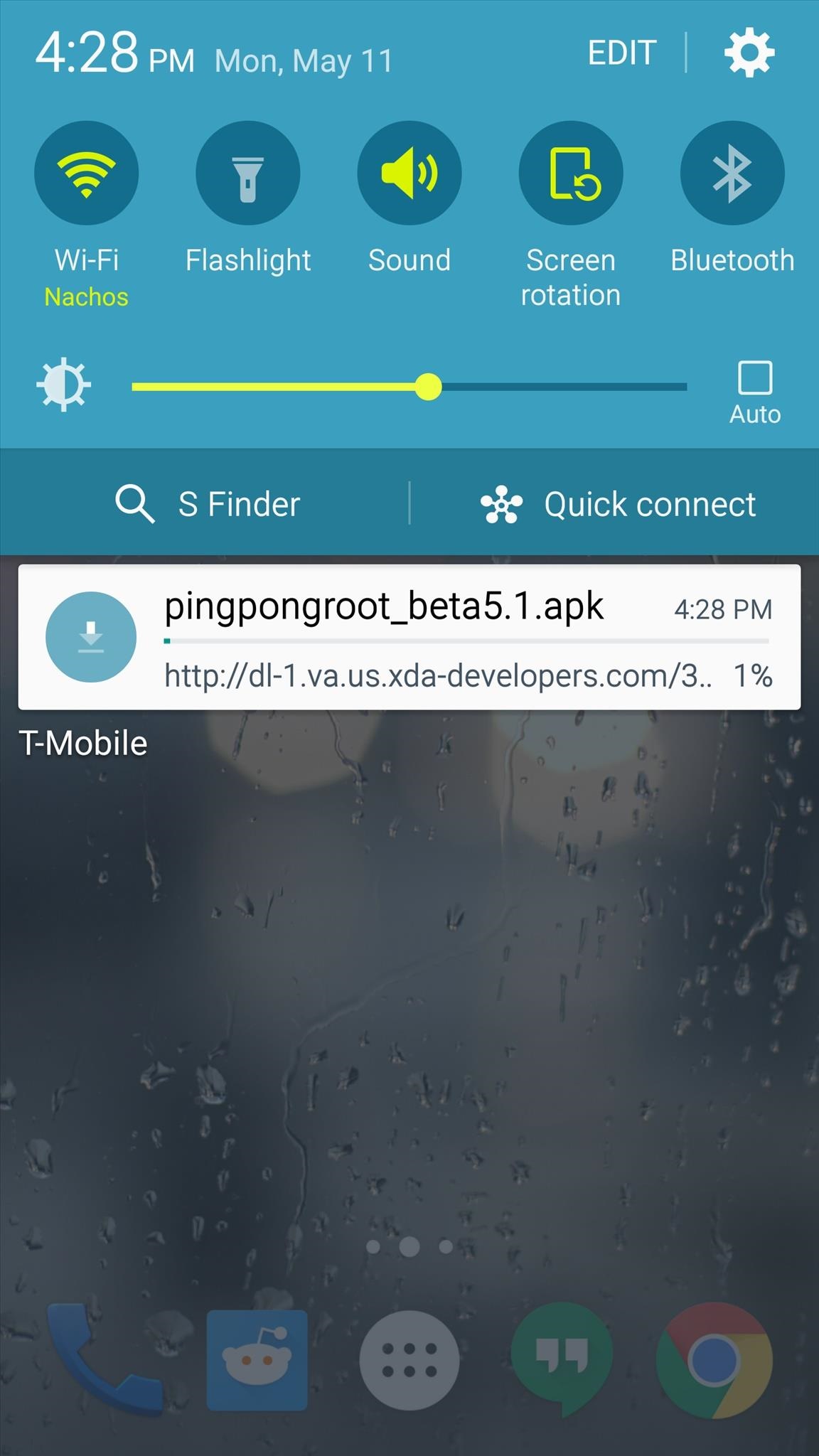
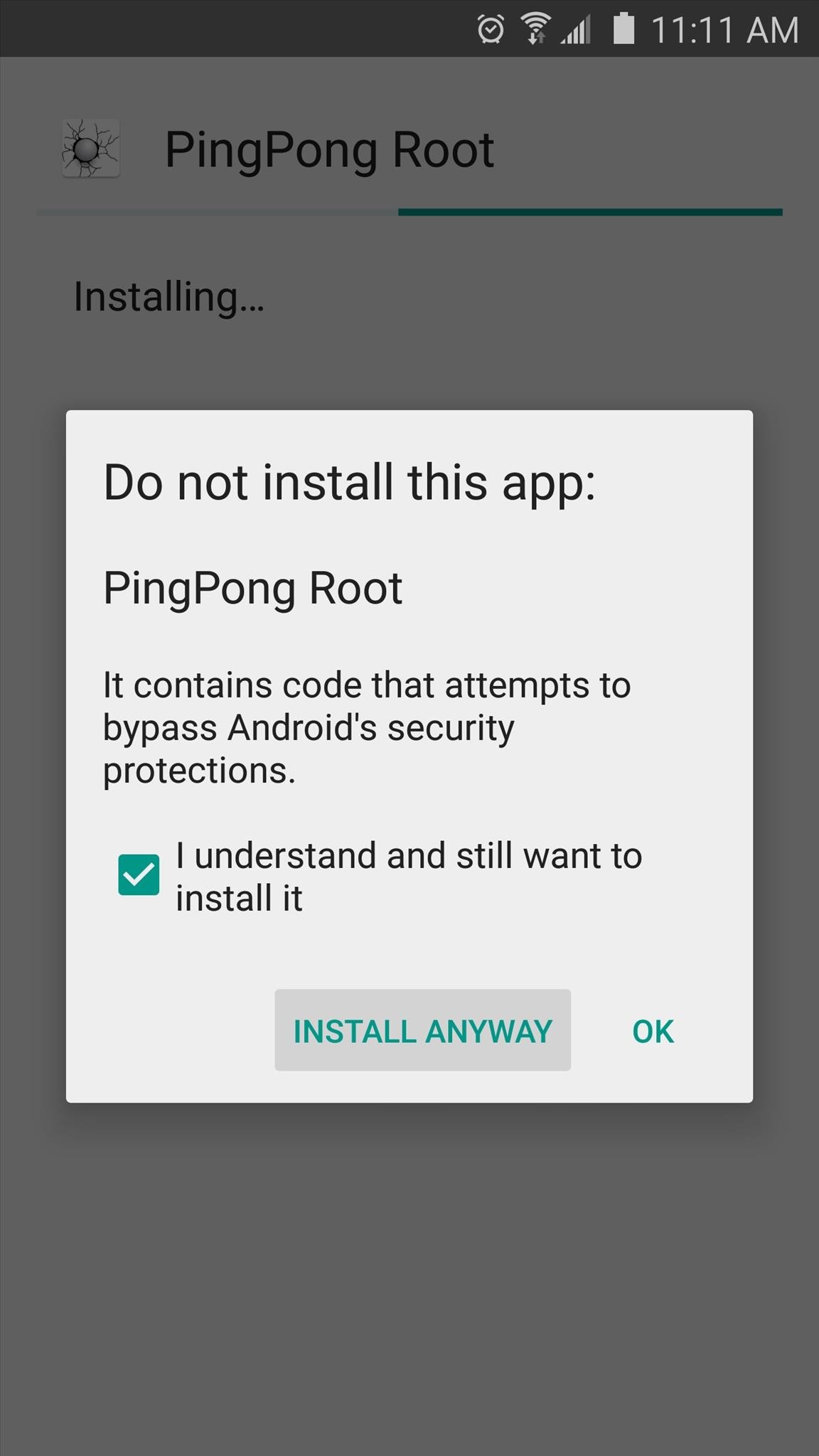
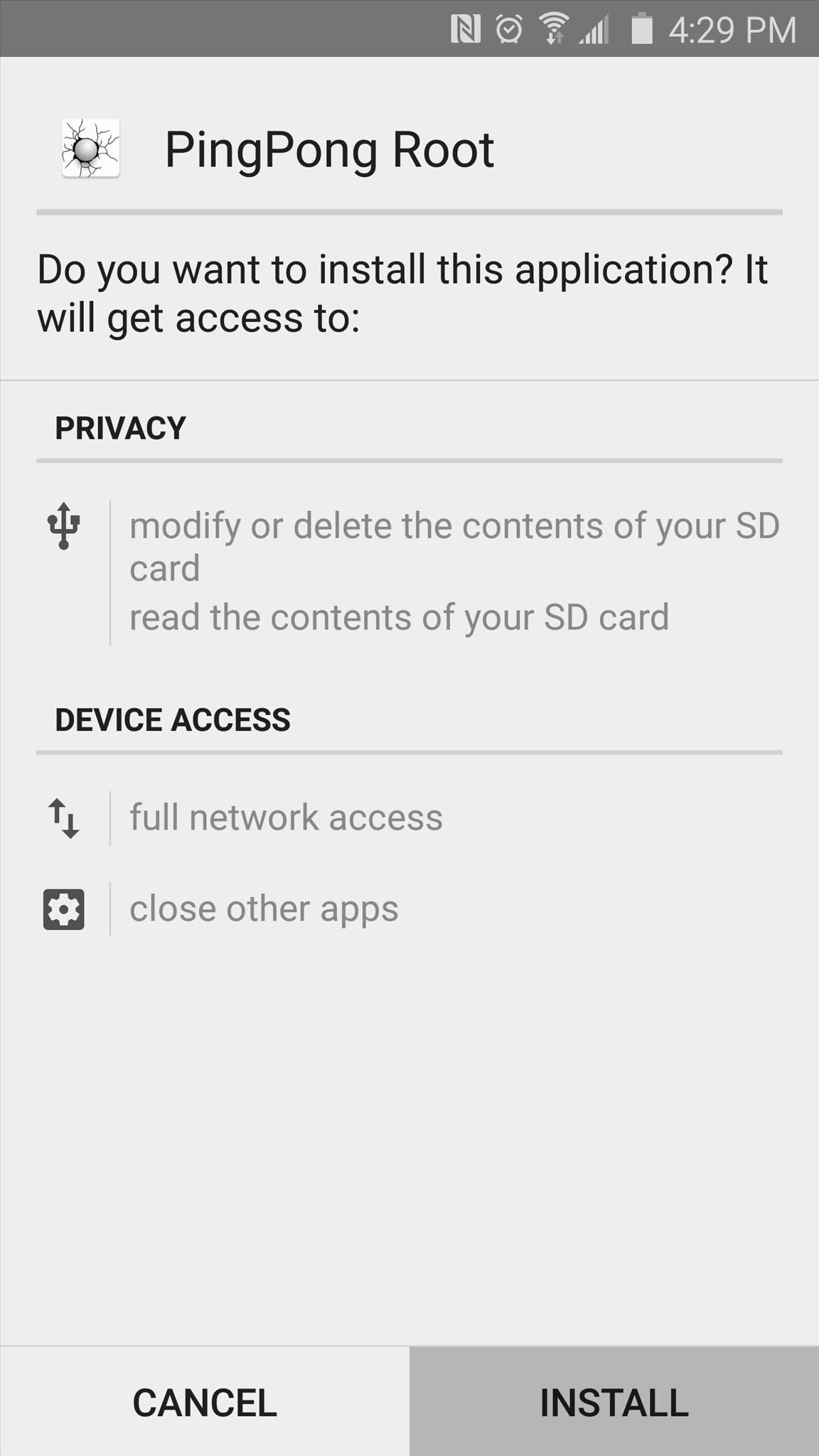
When the file is saved to your device, tap the "Download complete" notification to launch it. From here, tap "Install," then you may receive a warning message that this app contains code that attempts to bypass Android security mechanisms. This is exactly how PingPong Root works, so it's nothing to be alarmed about. Just tick the box next to "I Understand," then press "Install Anyway" if you see this message.
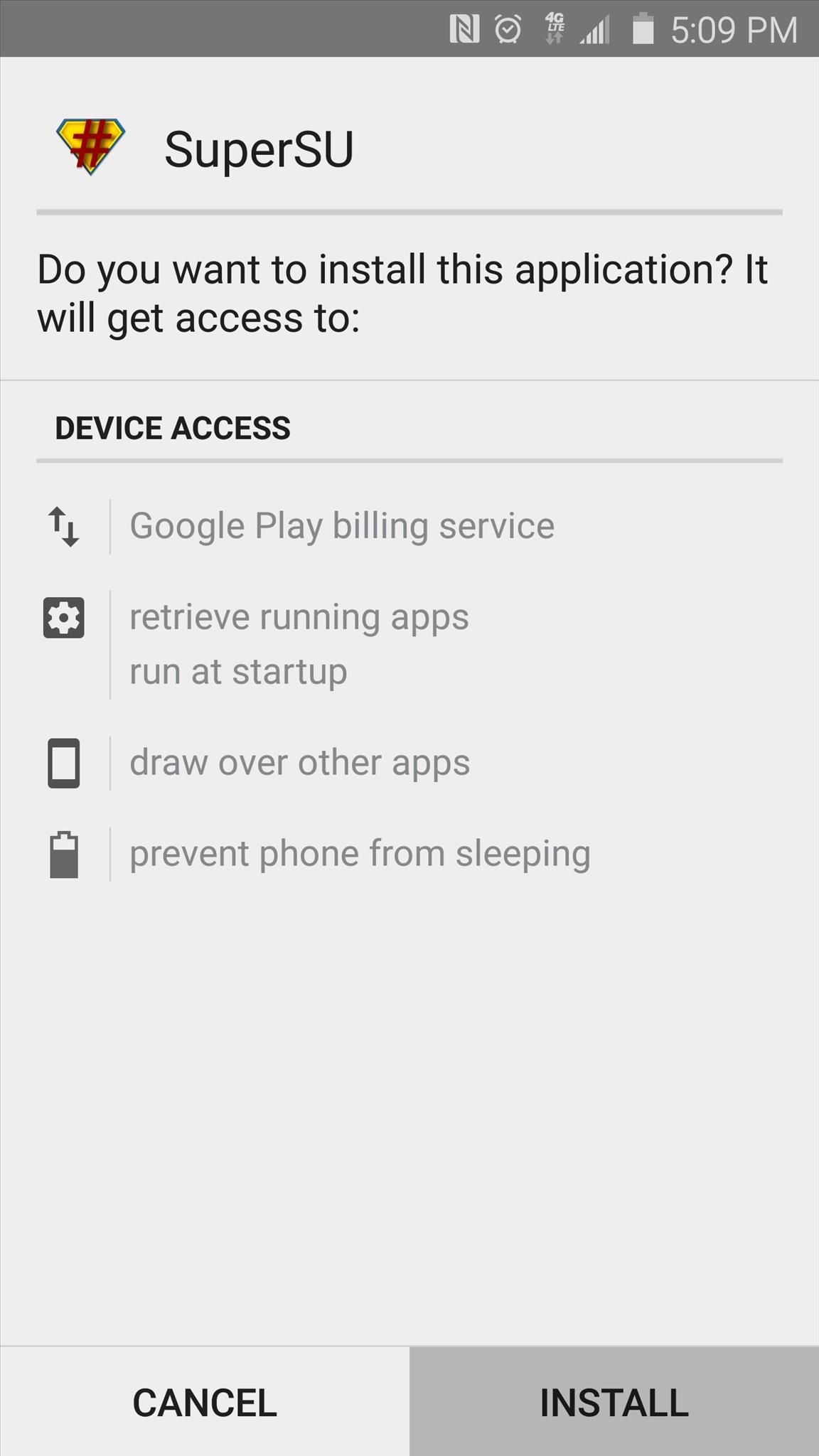
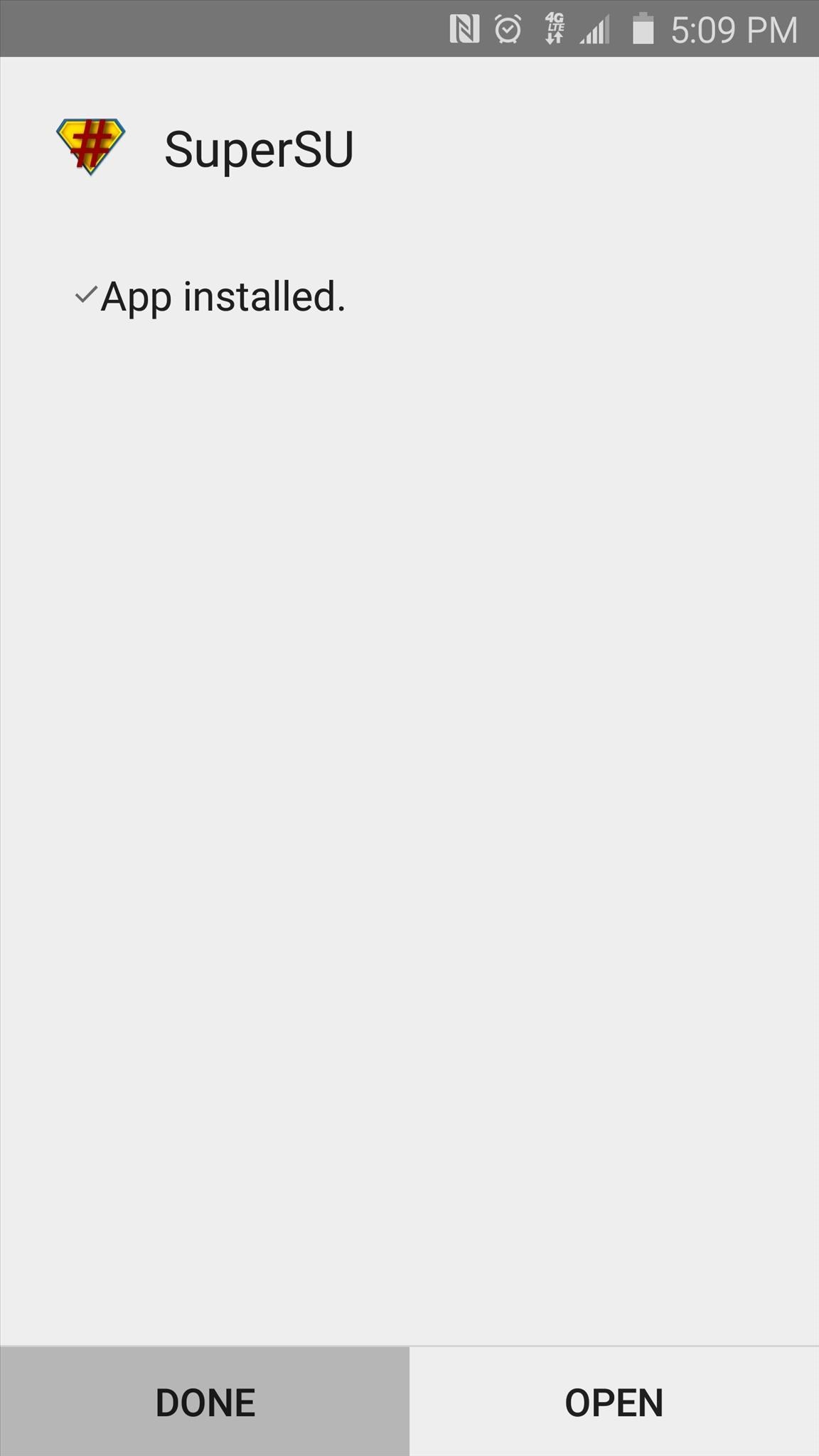
When that's finished, tap "Open," then after a few seconds, Android's installer interface should come up again. This time it's asking you to install SuperSU, which is a root management app from developer Chainfire. So tap "Install" again, and when that's finished, press "Done" to head back to PingPong Root.
Step 3: Root Your Device

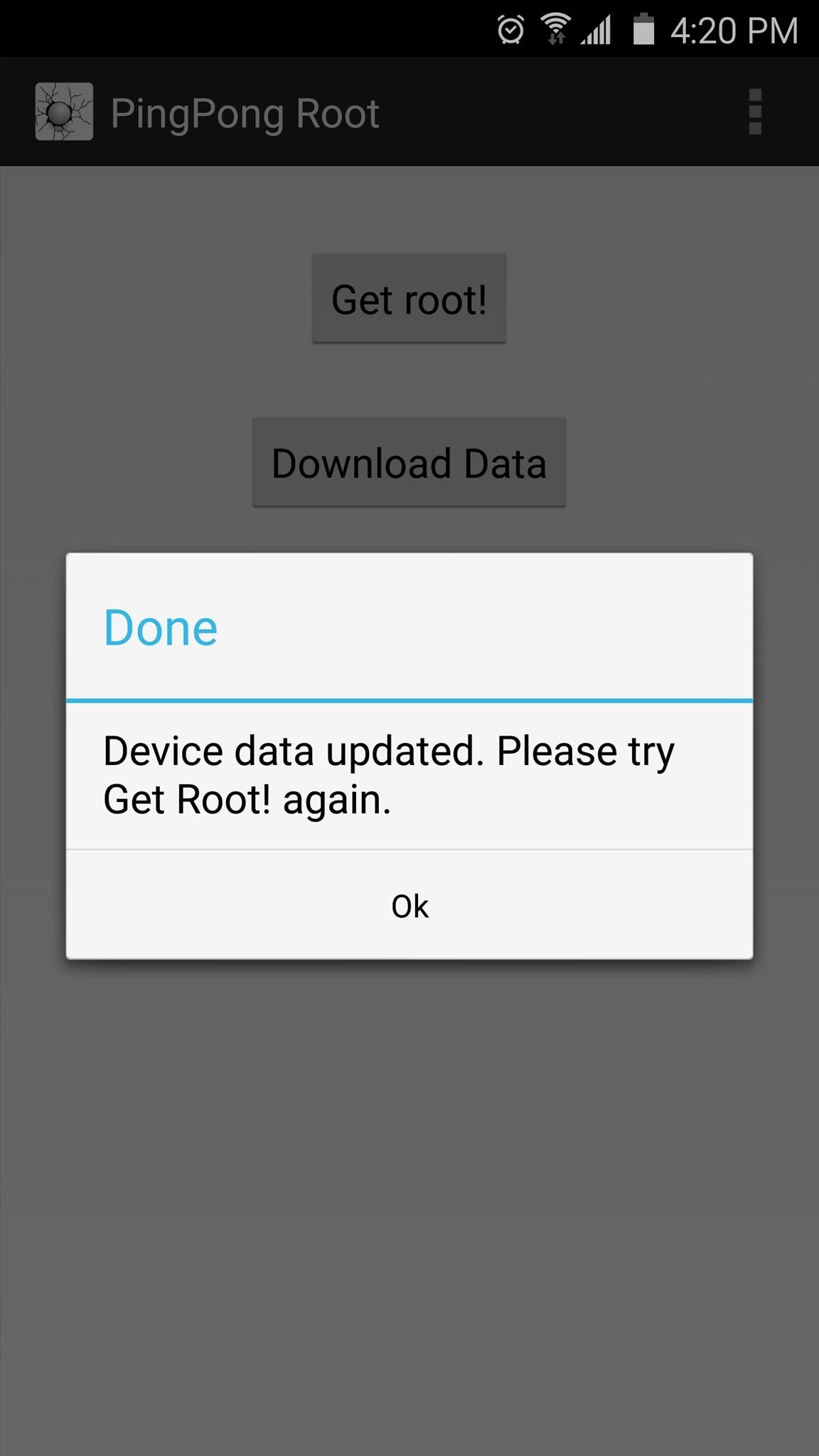
From PingPong Root's main menu, you'll find two buttons—"Get root!" and "Download Data." If your device's firmware was listed in the "download data" section in Step 1, you'll have to tap the "Download Data" button at this point, then wait for the app to download the additional data.
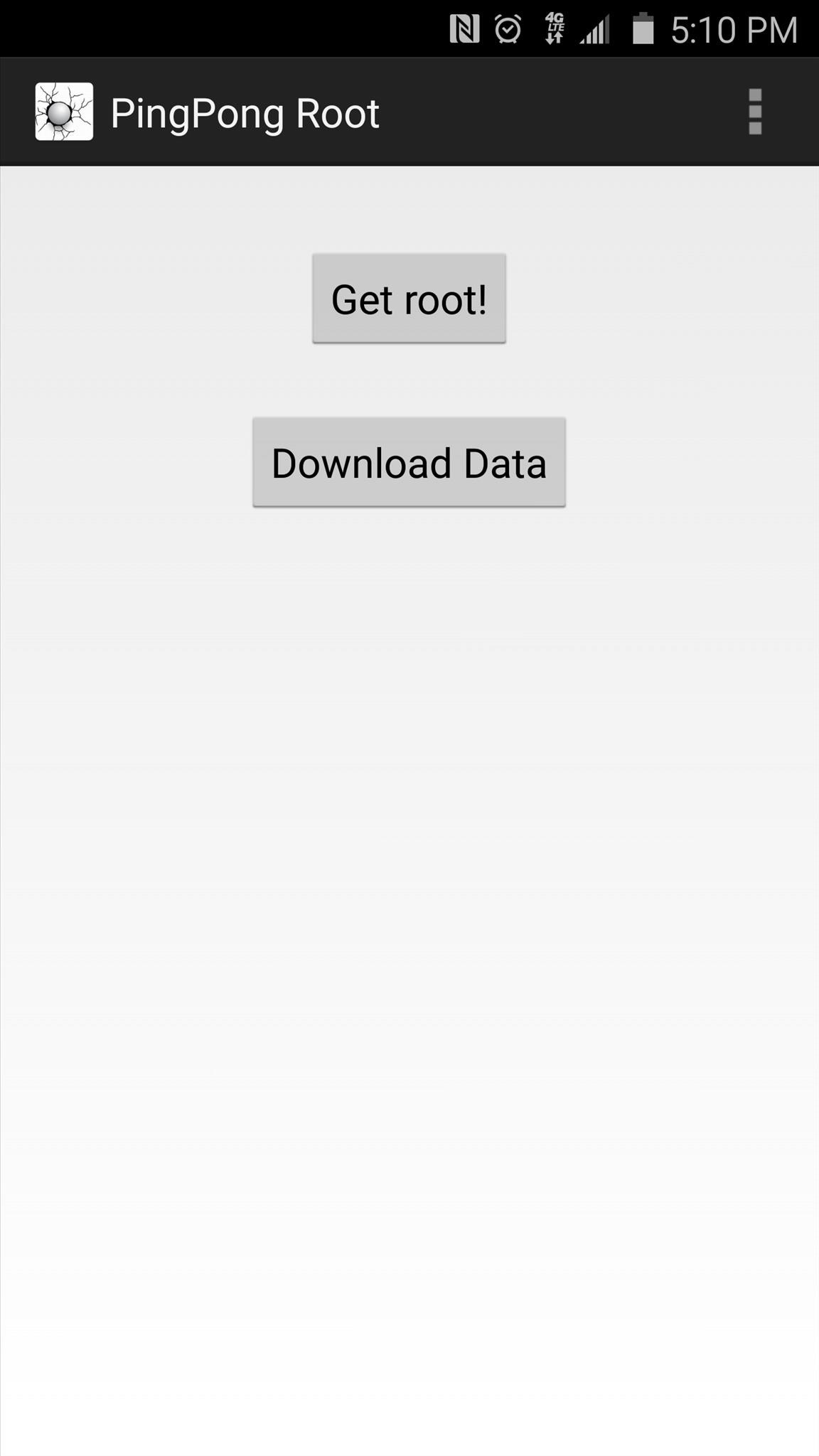
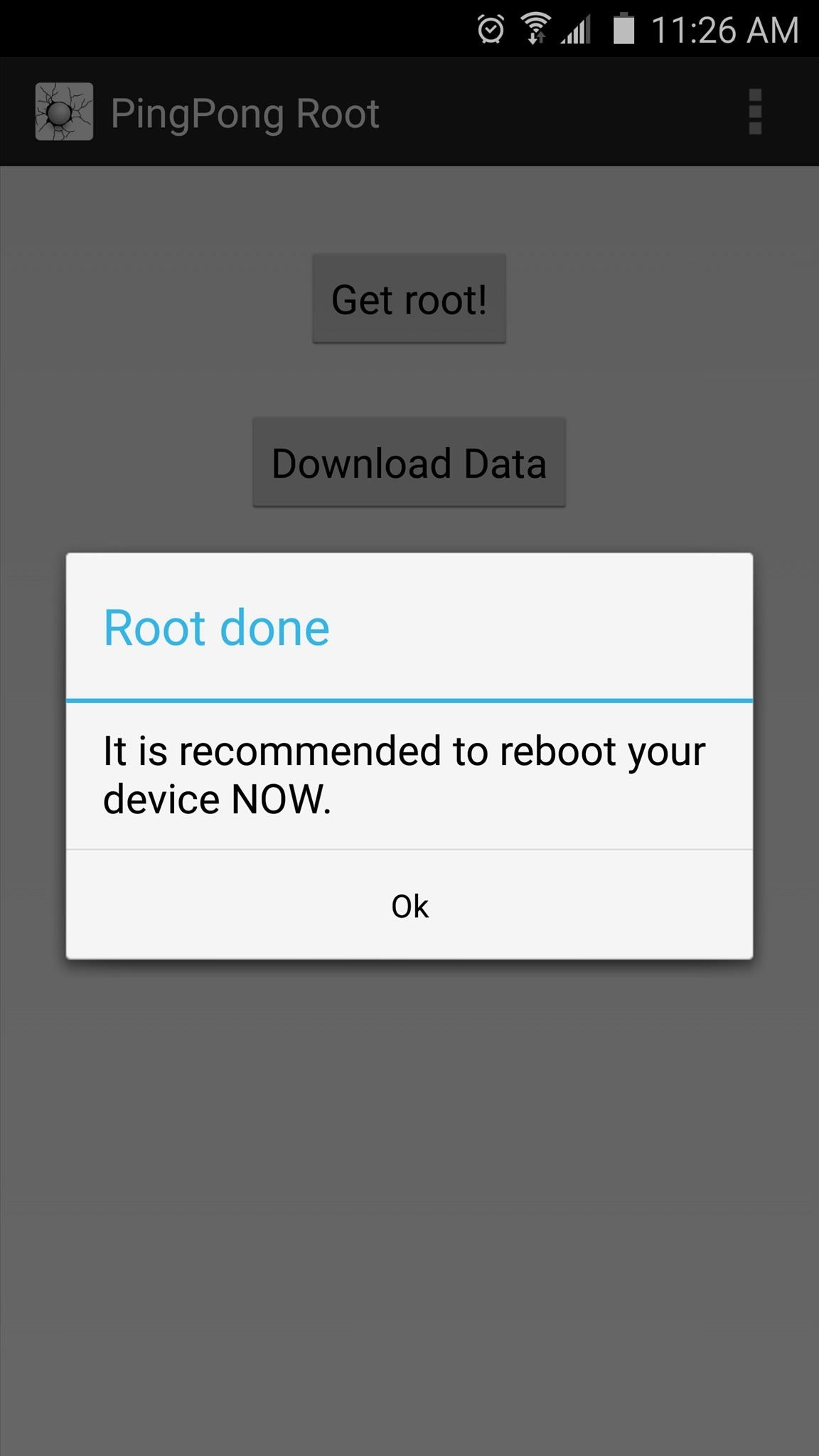
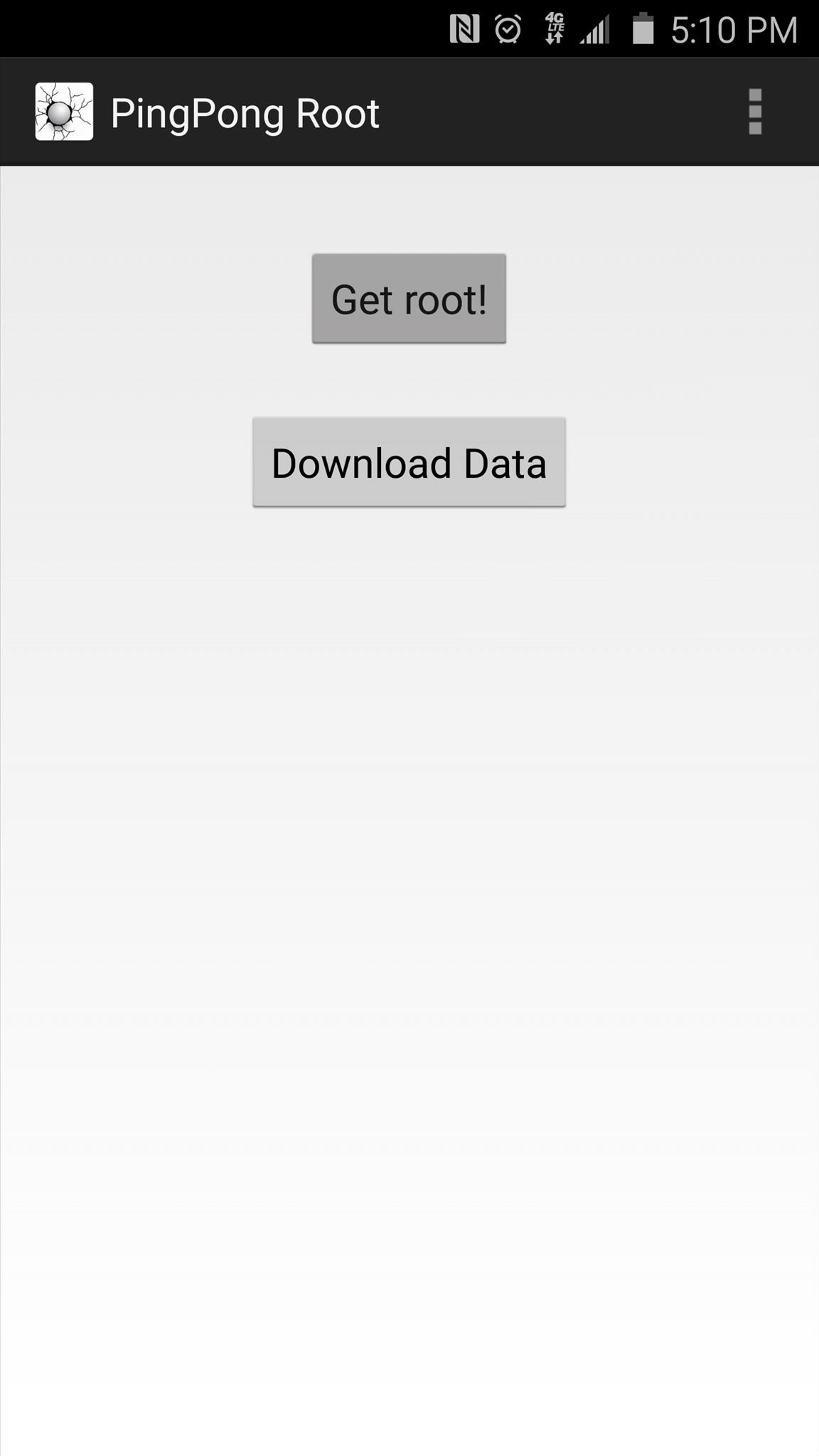
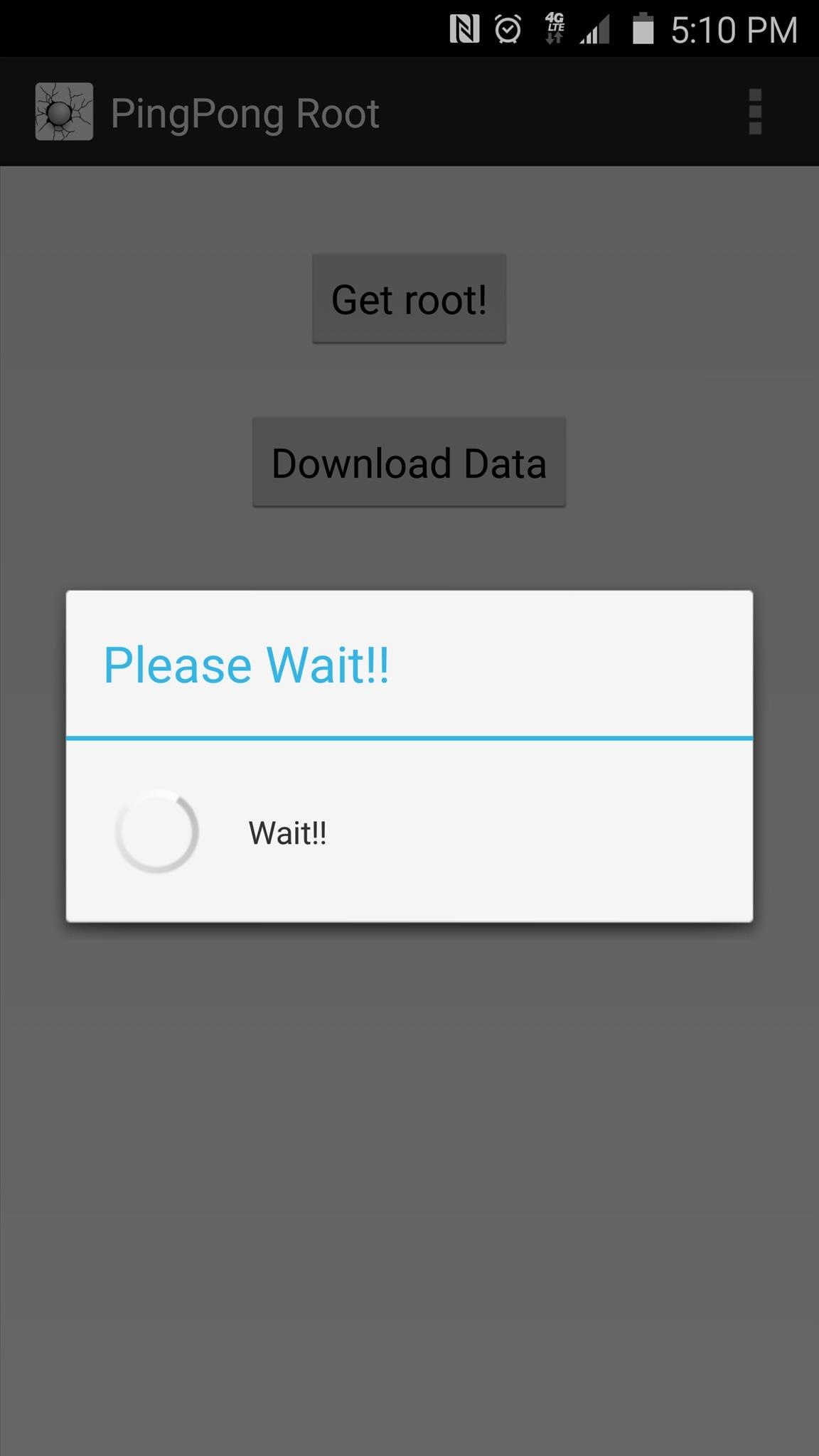
Once you're ready to root your device, tap the "Get root!" button. From here, you'll see a message that tells you to "Please Wait!!"—take heed to this message and don't interact with your phone while the root process is running. After about 30 seconds, a message will appear informing you that the process was completed. At this point, reboot your phone as soon as possible.
Step 4: Update Your Superuser Binaries

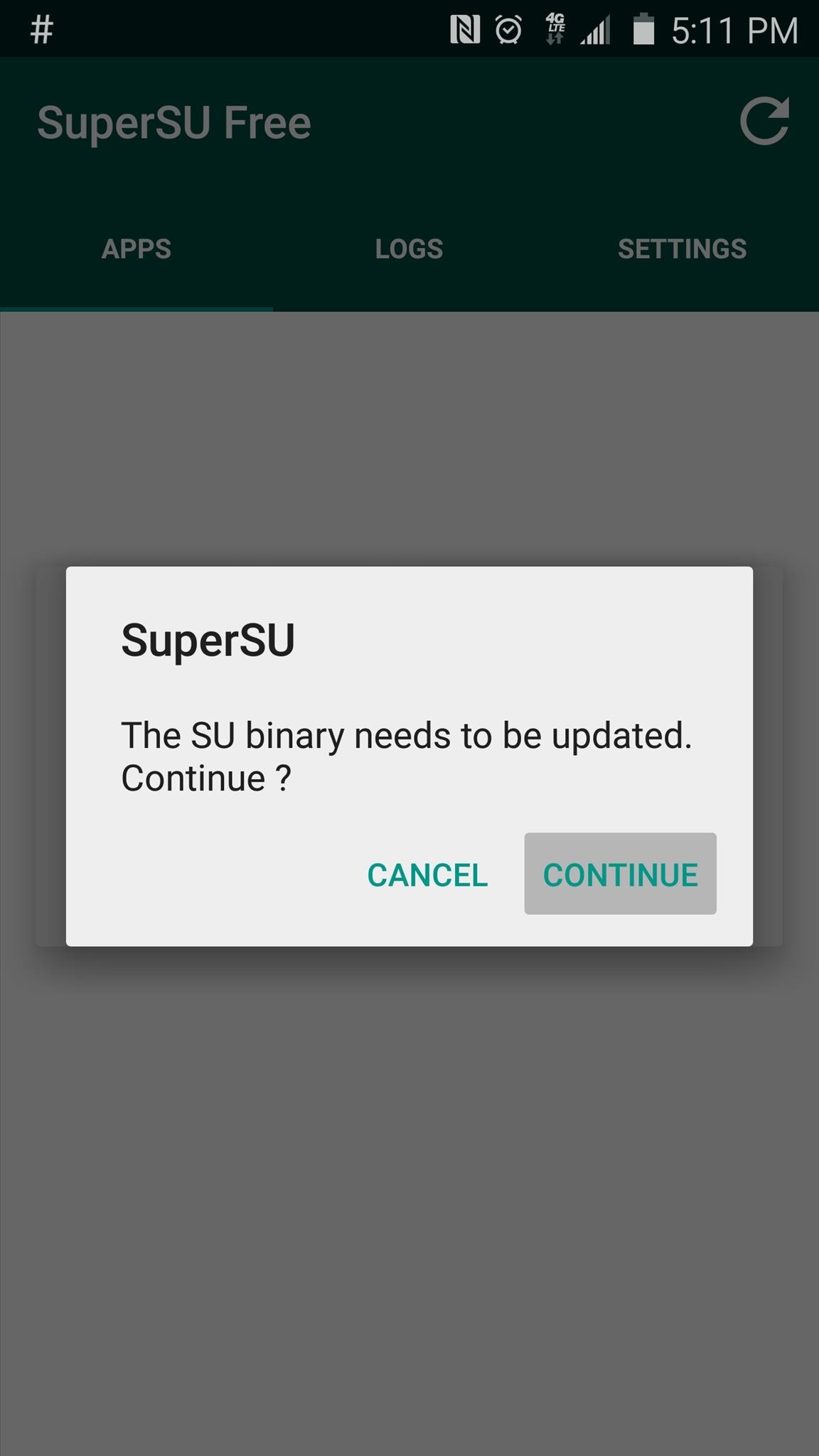
When you get back up, go ahead and open the SuperSU app that you'll now find in your app drawer. From here, you'll be informed that your Superuser binaries need to be updated, so tap "Continue" on this message.
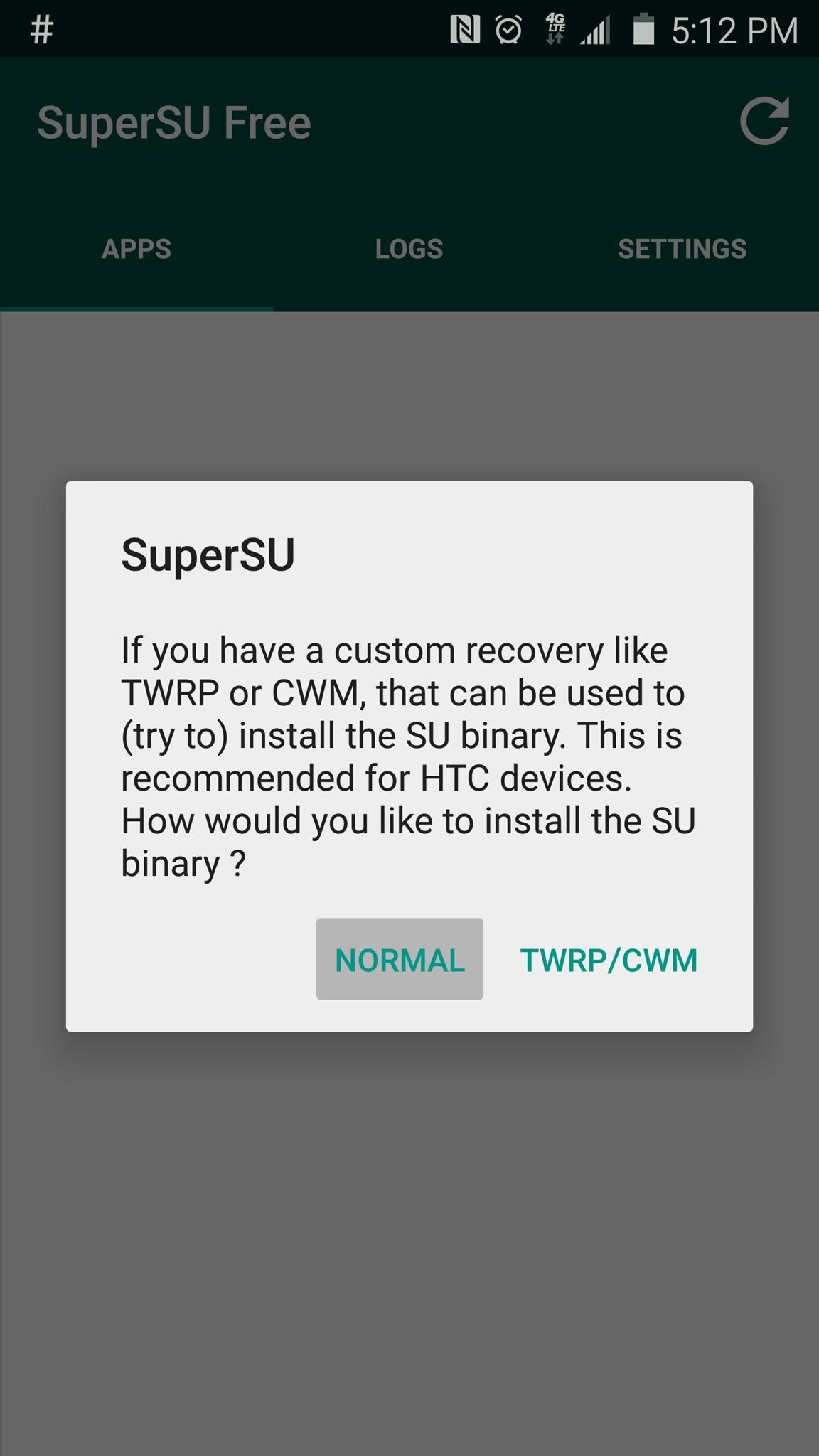
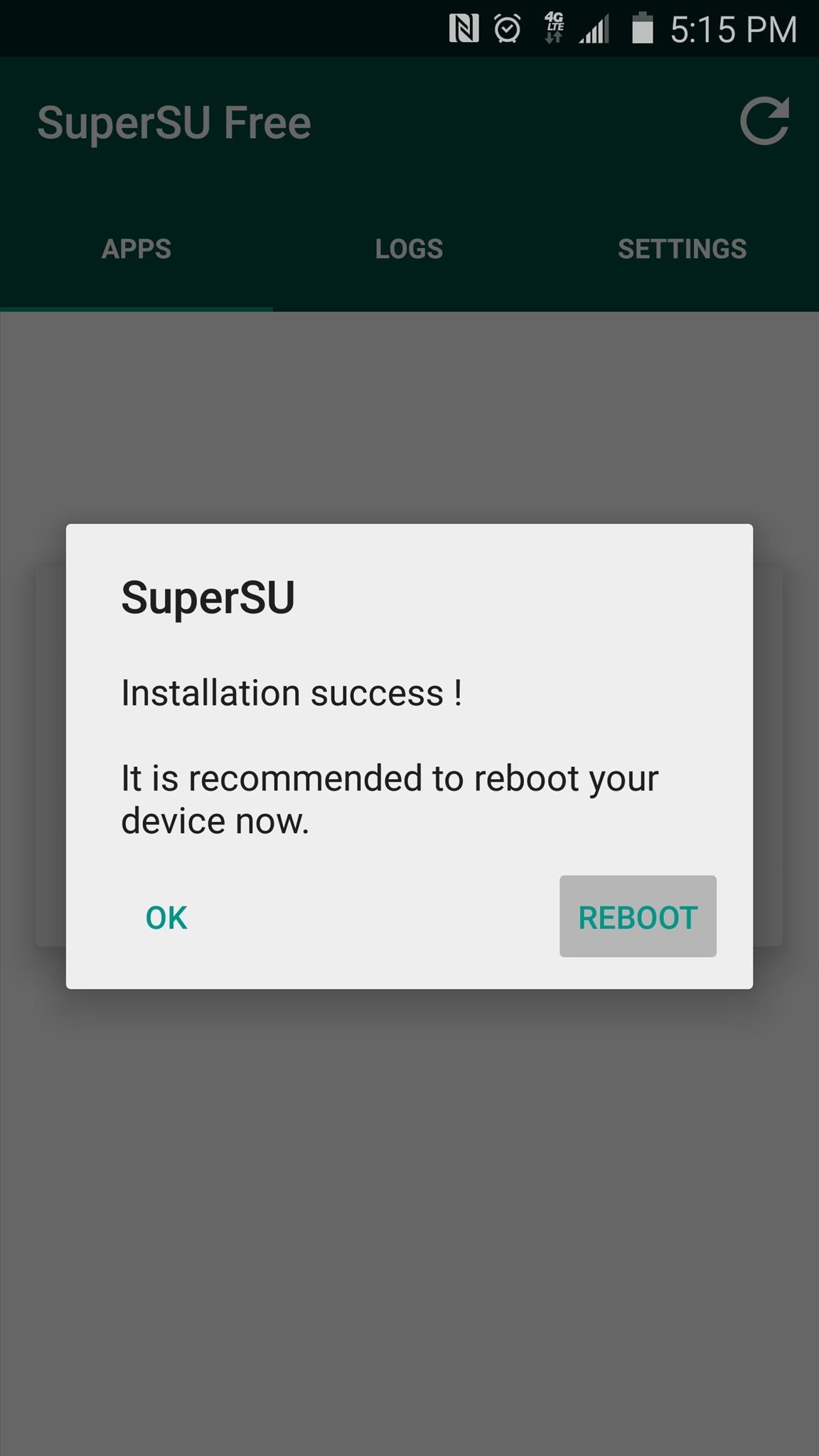
Next, SuperSU will ask how you'd like to update your binaries. Select the "Normal" option from this menu, then give it about 30 seconds to update your binaries. When the process has finished, tap "Reboot" on the confirmation dialog.
Step 5: Verify Root

After rebooting the second time, your device should be fully rooted and your KNOX counter will not be tripped. If you'd like to verify that everything went off without a hitch, I'd recommend that you download an app calledRoot Checker, which is available on the Google Play Store for free.
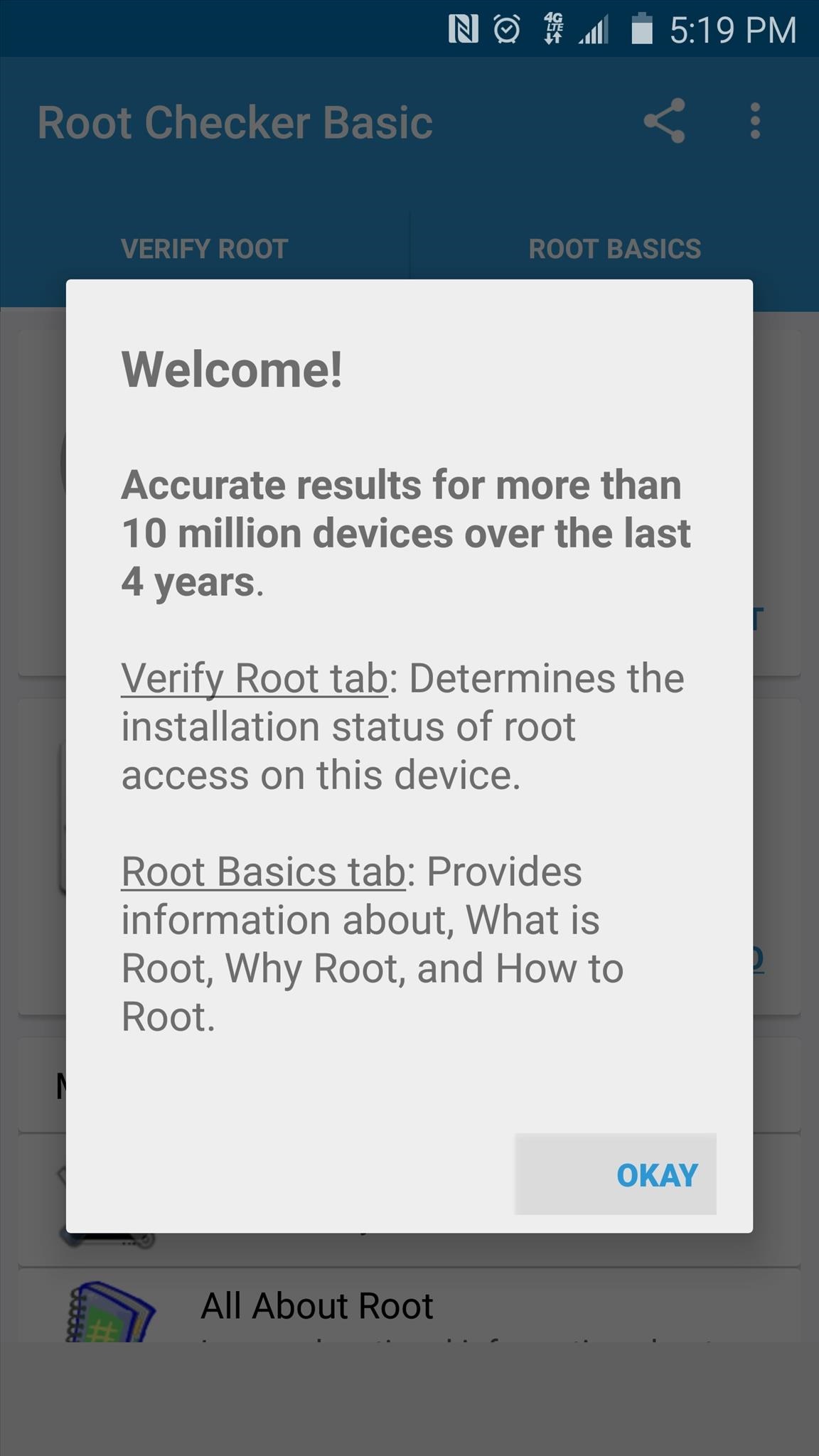
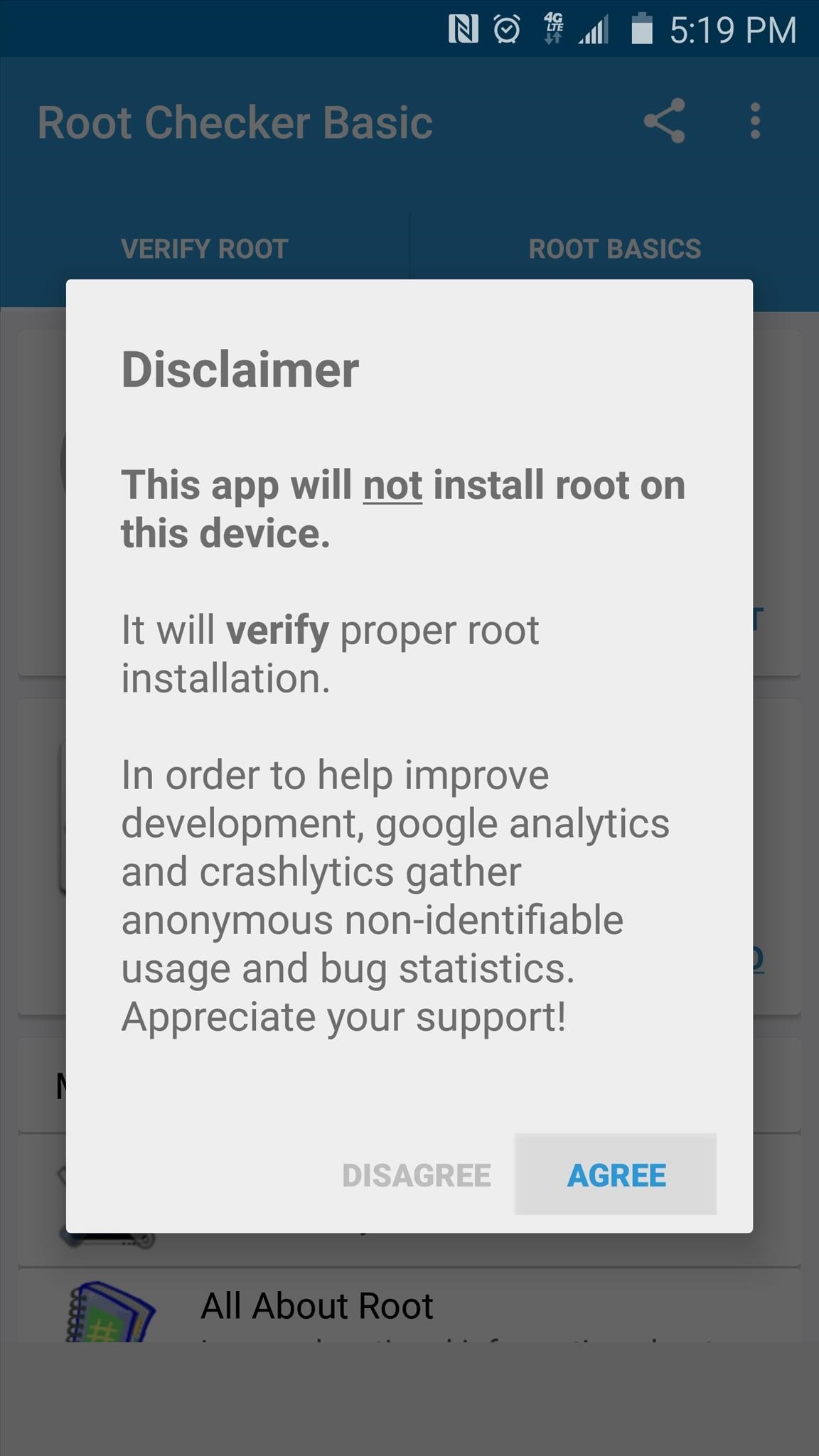
After installing Root Checker, simply launch the app, then press "Agree" and "Okay" on the two popups that follow.
From here, you'll be taken to the app's main menu. Tap "Verify Root" to make sure that PingPong Root was successful.
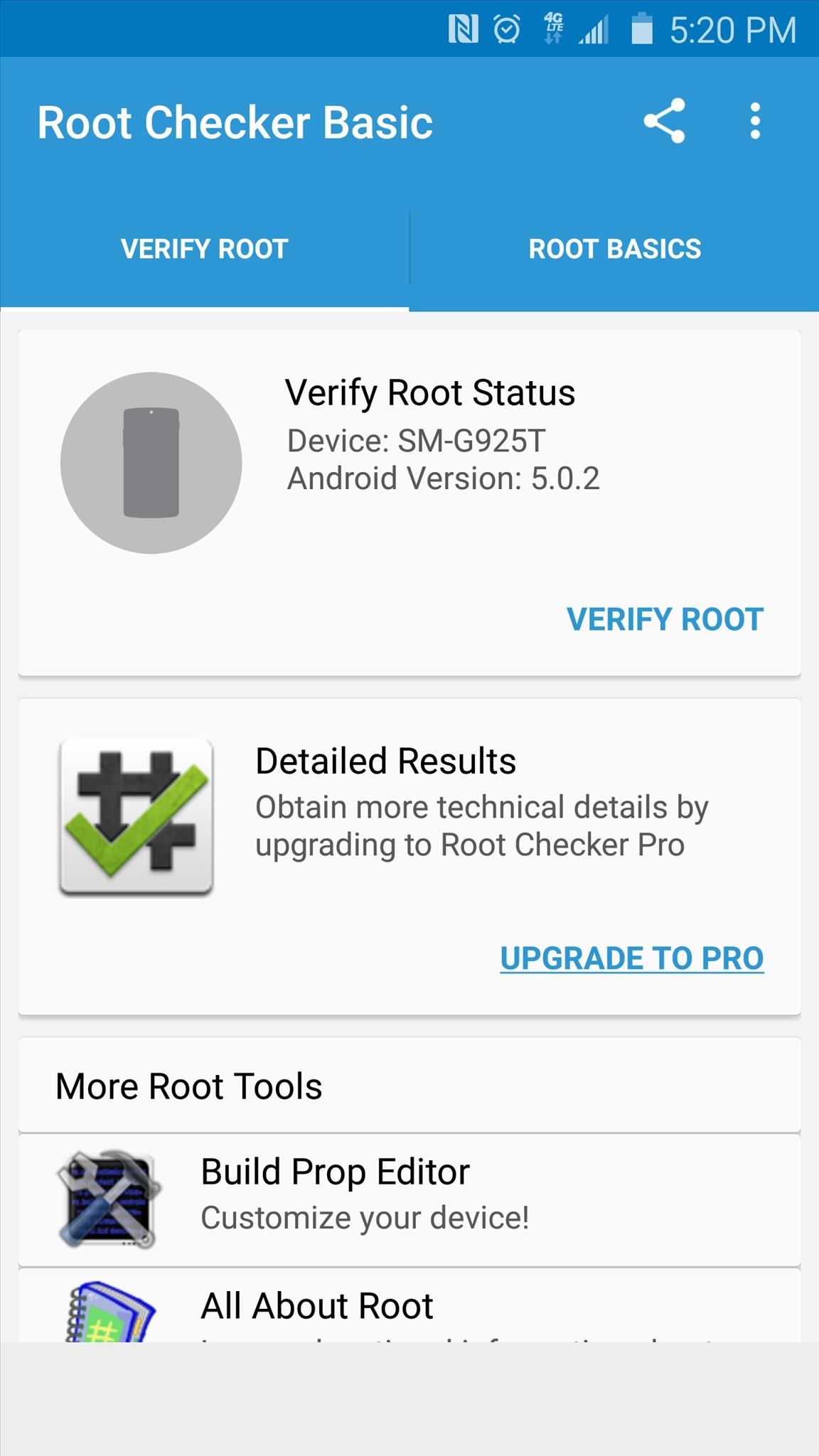
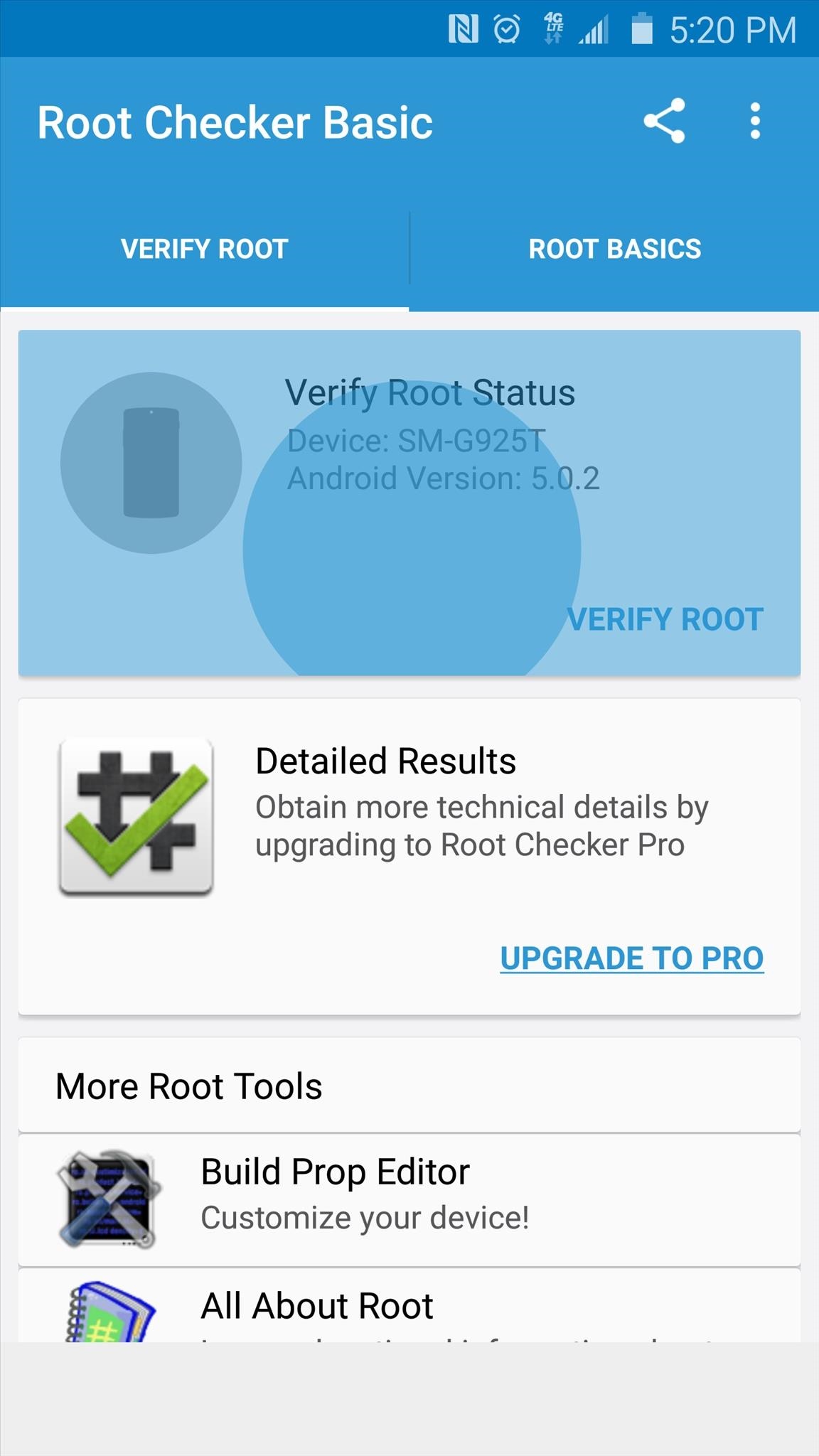
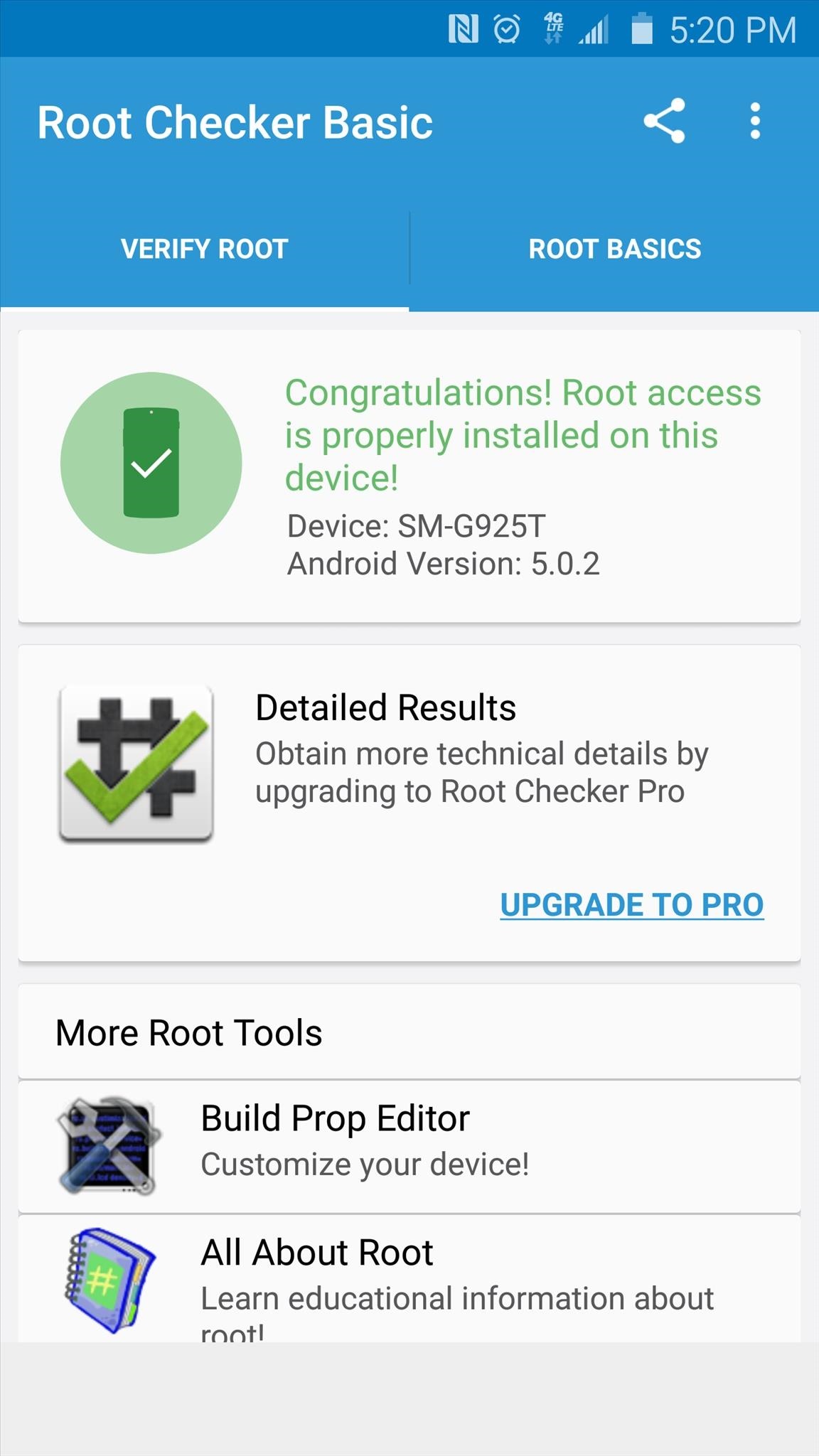
At this point, Root Checker will ask for Superuser access, so tap "Grant" on the popup. When that's finished, a message at the top of Root Checker should inform you that your device is properly rooted.
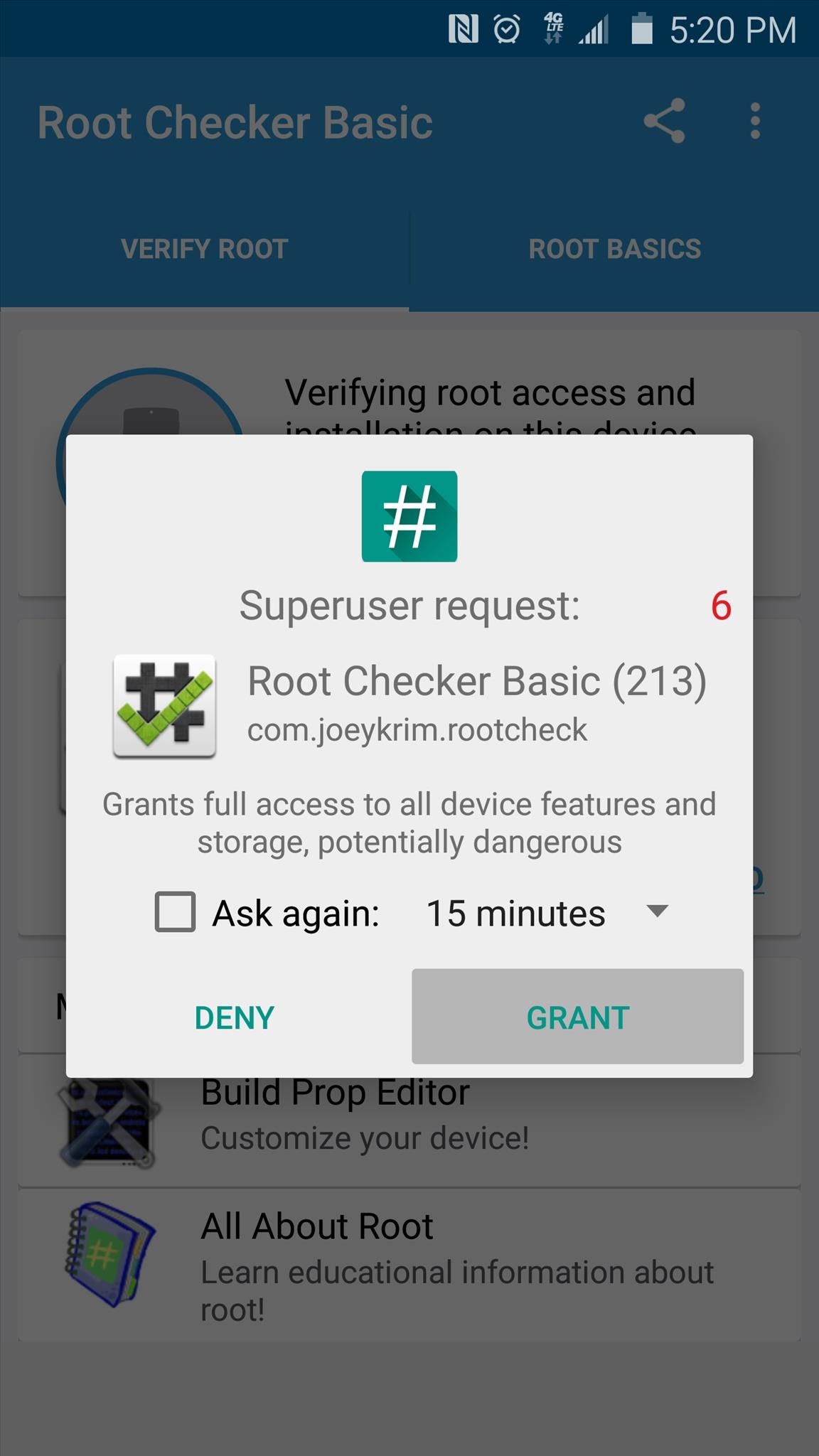
If for some reason you are not rooted at this point, run PingPong Root again (beginning from Step 3), only this time, place your device into Airplane mode prior to starting.
Once you're rooted, you can take advantage of several awesome mods that can customize your device like never before. Check out this guide if you're tired of the "S Finder" and "Quick Connect" buttons in your notification tray, or head to this tutorial to find out how to remove the annoying boot-up sound on your Galaxy S6. You can even install a custom rom

Thursday, 4 June 2015

PINGPONG ROOT s6 & s6 edge *ROOT*


Kernel built after May 15th have this bug fixed. Be cautious when installing OTA these days and FlashFire might be your best shot of upgrading systems.
Current version: Beta 6 (HTC One (M9) SUPERSU VERSION! Check updated Usage section!)
Since Beta 5.2: Should be more "stable" on devices with more application installed, but I'm not 100% sure.  If it doesn't work, roll back to beta 5.1
I'm getting too many queries about Note 4. Two things to clarify: 1) No device data needed to root Note 4, try KingRoot 4.0. 2) Unless you have KNOX warranty bit tripped already, there is no perm-root for Note 4 yet.
If you have decent bandwidth and experience with ROM files, please see this: http://forum.xda-developers.com/gala...hread-t3104639. Volunteers needed to speed up adding new ROMs.
Big THANK YOU to all helped collecting ROMs. Now we have 88+2 ROM versions supported!

Everyone please do me a favor. If you want a ROM (S6 or S6E) get supported, please confirm it is not yet supported and post a reply in this thread like:
FPTAG fingerprint here
So I can quickly filter FP out of the replys by using search. Thanks.


Supported devices : 
Samsung Galaxy S6 with following ROM versions:
G9200ZCU1AOD5
G9200ZHU1AOD3
G9200ZHU1AOD9
G920R4TYU1AOD3
G920IDVU1AOD1
G920FXXU1AOCV
G920PVPU1AOCF
G920TUVU1AOCG
G920VVRU1AOC3
G920FXXU1AOBN
G920FXXU1AODG
G9209KEU1AOCI
G9209KEU1AODA
G9208ZMU1AOD5
G9208ZMU1AOCI
G920FXXU1AOD9
G920AUCU1AOCE
G920FXXU1AODE
G9200ZCU1AOD9
G920W8VLU1AOCG
G920FXXU1AOD4
G920R4TYU1AOCB
***new*** Use Download Data!
G920FXXU1AOCY
G920IDVU1AOC4
G920FXXU1AODI
G9209KEU1AOD5
G920IDVU1AOBQ
G9208ZTU1AOD9
G920FXXU1AOE3
G920IDVU1AOE3
G920FXXU1AOD8
G920FXXU1AOE4
G920AUCU1AOE2
G920T1UVU1AOCH
G9208ZTU1AOCI
G920IDVU1AOC6
G920IDVU1AOD3
G920FXXU1AOCZ
G920AZTUU1AOD1
G9200ZHU1AOE4
G9200ZCU1AOE4
G920KKKU1AODC
G920IDVU1AOE4
G920LKLU1AODC
G920SKSU1AODC
G920IDVU1BOE2
G9208ZTU1AOE4
G920PVPU1AOE2
G920W8VLU1AOE1
G920VVRU1AOE2

Samsung Galaxy S6 Edge with following ROM versions:
G9250ZCU1AODC
G925VVRU1AOC3
G925FXXU1AOD9
G925PVPU1AOCF
G925FXXU1AOCV
G925AUCU1AOCE
G925TUVU1AOCG
G925W8VLU1AOCG
G925IDVU1AOD1
G925SKSU1AOD5
***new*** Use Download Data!
G925FXXU1AOD4
G925R4TYU1AOD3
G925FXXU1AODG
G925FXXU1AOCZ
G925IDVU1AOD3
G925LKLU1AOD8
G925SKSU1AOD8
G925FXXU1AOE3
G925PVPU1AOE2
G925FXXU1AOD8
G9250ZTU1AODC
G925FXXU1AOE4
G925AUCU1AOE2
G925TUVU1COE6
G925FXXU1AOCY
G9250ZTU1AOE4 (5/11 kernel, seems not fixed yet, please test)
G925R4TYU1AOE2
SCV31KDU1AOCP (Japan version of S6E?)
G9250ZCU1AOCH
G9250ZCU1AOE4
G925IDVU1AOE4
G925IDVU1BOE1
G925LKLU1AODC
G925IDVU1AOE3
G925IDVU1AOE2
G925KKKU1AODC
G925SKSU1AODC
G925W8VLU1AOE1

HTC One (M9) -- EXPERIMENTAL, UNLOCKED BL REQUIRED 
htc/himauhl_htccn_chs_2/htc_himauhl:5.0.2/LRX22G/516731.9:user/release-keys
Verizon 1.33.605 (?)

New ROM and device support are coming~~
If your ROM version is not listed here, please check if any ROM with the same variant is already supported. If the supported one is newer, I suggest go and grab it instead of waiting.


Known Issues:
None

Todo:
Coming next release: (will come after SuperSU version)
TBD

In queue:
Check the workshop thread: http://forum.xda-developers.com/gala...hread-t3104639 but DO NOT REPLY UNLESS YOU ARE WORKING ON ROMS. Thank you for keeping that post clean!

Usage
OK, since manual switch is too complex and there are some compatibility issue of Kinguser, I'm making a SuperSU version now.
Note that due to the natural that SuperSU su doesn't ask for permission when SuperSU apk is missing, root will only happen when SuperSU apk has been installed. Read instrucitons below CAREFULLY!
0. Read Q&A section and BACKUP your data.
1. If you already have Kinguser installed please:
a. Open Kinguser, go to Settings -> Root authorization setting -> Remove Root permission. Click to remove root permission
b. Uninstall Kinguser
2. Download pingpongroot_<ver>.apk. Install & open it.
3. It will automatically install SuperSU 2.46 for you. Follow the instructions on screen. You may need to enable unknown source for this step.
a. Once install is finished, click “Open" and run it once to "activate" it. It will prompt an error message (unless you already rooted) and exit automatically, bring you back to PingPong root.
4. Click "Download Data" button to update device data if you have Internet connection.
5. Open it and click "Get Root!" button
6. If prompted for app permissions, allow them and continue. If it reboots, just retry.
7. Once finished, please make sure to reboot.
8. You can uninstall PingPong root app once finished.

Credits
Vulnerability: memeda, wushi
Original idea of exploit: memeda
Exploit: idl3r, Qoobee

Special thanks to:
Kingroot team for help testing and great root manager

Q&A
Q: It just keeps rebooting, what can I do?
A: The exploit may panic the kernel and reboot your device. If the data is off, same could happen as well. When issue happens, try these:
a. Clean up background process before running root.
b. Turn on airplane mode after clicking "Download Data".
c. Backup your data and run factory reset.
d. Definitely avoid doing anything else when "wait!!!" appears.
If these doesn't help after 5 retries, there could be some issue, please collect the information in /proc/last_kmsg and send it to me.
Note: User reporting installing My Knox or enable other Knox feature (like enterprise provision or KNOX active protection) may cause reboot loop. Be cautious!

Q: My ROM is not yet supported?
A: Since I have limited bandwidth to download ROMs, I have to prioritize ROM requests and focusing on new variants/models first. And currently recruiting volunteers to help download/shrink ROMs.
If you see your ROM FP is not listed, but a very similar one (may be just the last digit or character is different) exists, please see if you can flash that version of ROM. I'm sure you can find someone helping you in corresponding forum.

Q: Will Samsung Pay/My Knox work?
A: To be honest I can't tell for sure. Indeed this root does not trip warranty bit. But it still leaves SU files, which is inevitable, on system partitions. And a lot of root features actually make change to system partition, so let's say it can be detected. If Samsung makes the decision that there will be no certain feature for presence of a su file, then there will be no fun. IMHO this is very bad idea since even Apple doesn't disable anything on jailbreak devices. Let's see what will be the outcome. This makes sense to enterprise uses but for consumers at least a choice should be given.

Q: Note4/Z3/Old Samsung/etc?
A: We also wrote the rooting engine in KingRoot 4.0 for generic 32-bit devices. Give it a try. Note that for some devices like Note4, only temp root is achievable.

Q: Why "PingPong" root?
A: Because the vulnerability affects ping socket and we are Chinese 

Q: What's the current status of this tool?
A: Beta. We've thoroughly tested it on ROMs for G9200, but not other variants. You are the 1st batch of beta testers! 

Q: Is my device supported?
A: You can check the version of your ROM in "About this phone" page. It shall read LRXxxx following by the ROM version.
This tool checks your ROM version as well. If you read "Your device data is still not supported." after clicking "Get Root!", your device data has not been collected yet. Please reply with your ROM version plus keyword "FPTAG" in this thread.

Q: Will this root trip KNOX warranty bit or disable OTA?
A: No, it won't trip KNOX warranty bit and YES, it will disable OTA. It doesn't require odin to flash in a custom recovery, so the warranty bit will remain intact.

Q: I'd like switching to SuperSU, what shall I do?
A: Kinguser does not have a "swtich" function. Follow these steps to do so manually: (if you are not familiar with adb, see this version:http://forum.xda-developers.com/show...&postcount=269)
1. Download supersu.7z and extract it. You will get the files needed to install Supersu.
2. Using adb to push su and busybox (if not installed) to /data/local/tmp.
Code:
adb push su /data/local/tmp
adb push busybox /data/local/tmp
3. Start a su session and run the following commands:
Code:
mount -o remount,rw /system
cat /data/local/tmp/su >/system/xbin/daemonsu && chmod 0755 /system/xbin/daemonsu
cat /data/local/tmp/busybox >/system/bin/busybox && chmod 0755 /system/bin/busybox
daemonsu -d &
Then keep the session running.
4. Open Kinguser, go to Settings -> Root authorization setting -> Remove Root permission. Click to remove root permission. Your su session should be still running.
5. Uninstall Kinguser app.
6. Go back to the su session and run following commands to replace su and cleanup:
Code:
cat /data/local/tmp/su >/system/xbin/su && chmod 0755 /system/xbin/su
busybox chattr -ia /system/bin/ddexe
busybox chattr -ia /system/bin/ddexe_real
cat /system/bin/ddexe_real >/system/bin/ddexe
busybox chattr -ia /system/xbin/ku.sud
rm /system/xbin/ku.sud
rm /system/xbin/pidof
rm /system/xbin/supolicy
7. Install Supersu apk
8. Open Supersu apk to update files.
9. Reboot.


Q: S6 Edge/G Flex 2/M9/other arm64 devices?
A: We will look into them soon 
S6 Edge: Done
M9: WIP
G Flex 2/others: pending

Q: I need a video to guide me through 
A: Check out this one: https://youtu.be/_Ezh7Oi-jyM

*links :
-supersu.7z
-pingpongroot_beta5.1.apk
-pingpongroot_beta6.apk

original post : http://forum.xda-developers.com/galaxy-s6/general/root-pingpongroot-s6-root-tool-t3103016